eufyMake Creator Program

New Creator Onboarding Guide

Welcome to the eufyMake Creator Program! We’re excited to have you here. ✨

As a Creator, your work can inspire new ideas, help other makers learn, and show what’s possible with eufyMake. This guide is here to support you as you get started and explore more opportunities along the way.

First 30 days

Getting Started

Over your first 30 days, we’ll help you get familiar with the community, share your first projects, and discover more ways to create.

Step 1

Get Ready

Day 1–3

Take a little time to settle in and get familiar with the Make It Real community.

Join the Make It Real community

You can access the Creator community in three ways — choose whichever works best for you:

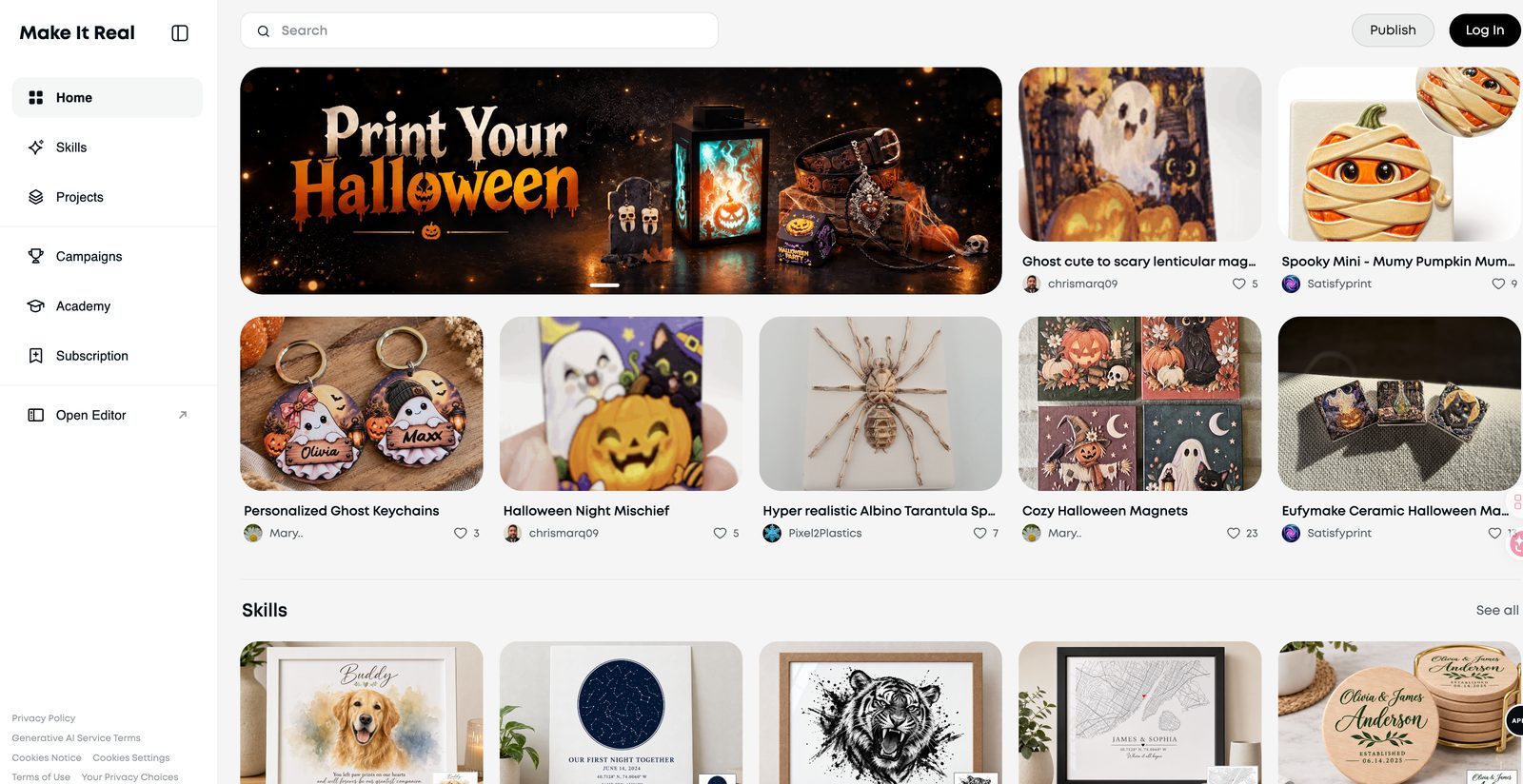
Make It Real community home page on the web, showing featured maker projects and skills.
Web — the Make It Real community home page.
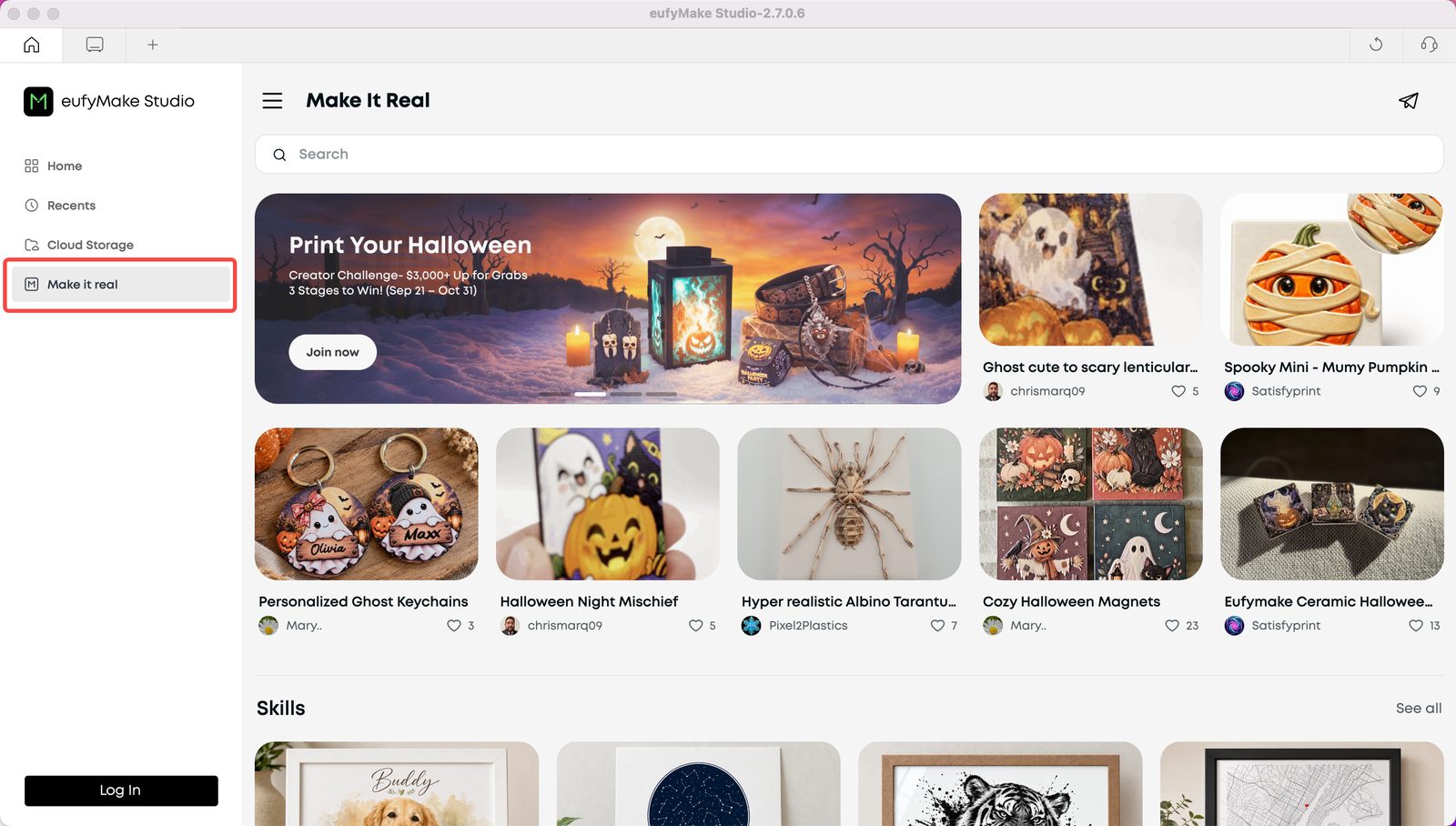
eufyMake Studio on PC with the Make It Real tab highlighted in the left sidebar.
PC — open the Make It Real tab in eufyMake Studio.
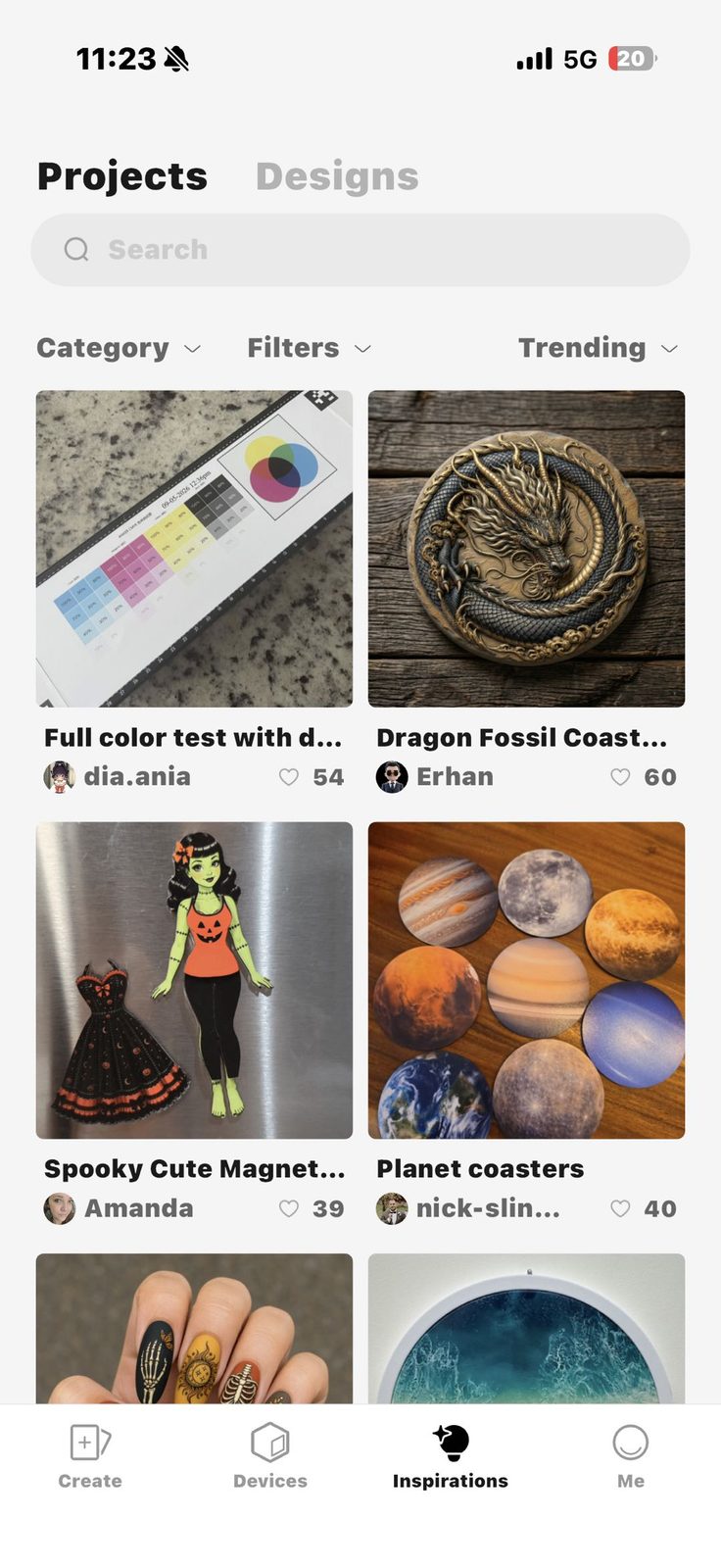
Make It Real on mobile: the Inspirations tab showing trending community projects.
Mobile — open the Inspirations tab.

Complete your Creator profile

Add a genuine, engaging bio and your social links so other makers can learn more about you and your work.
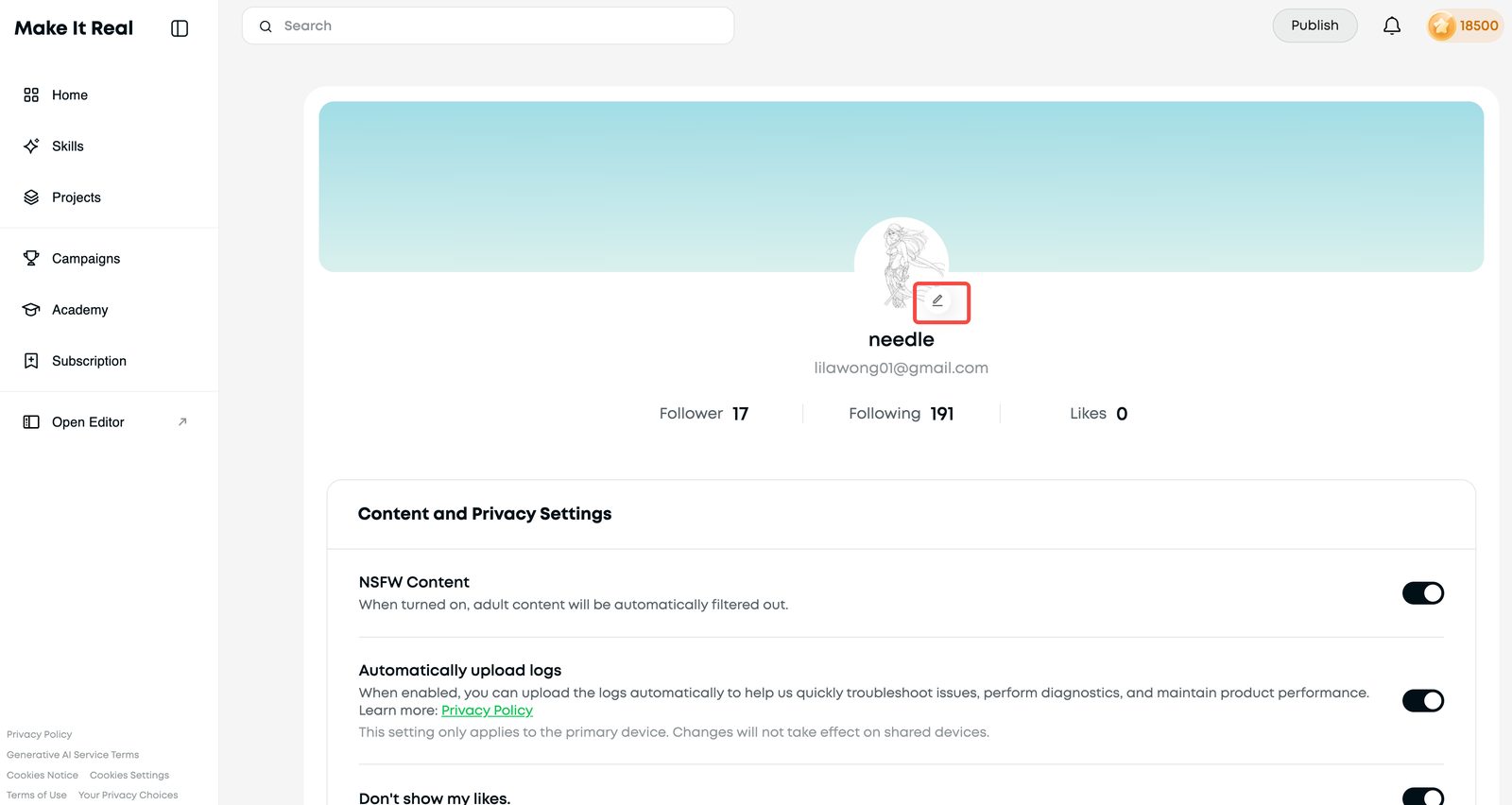
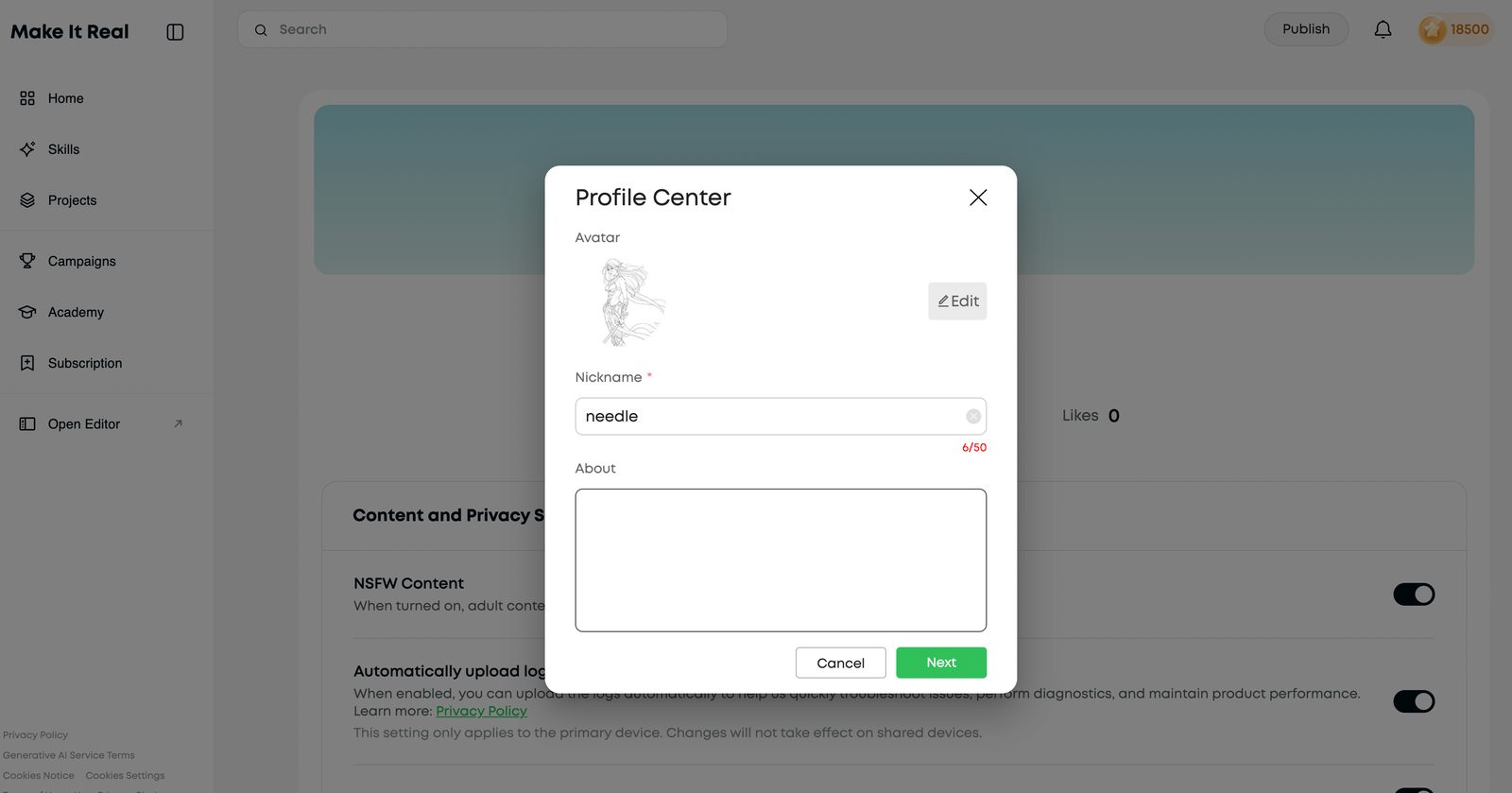
Creator profile page with the edit button next to the avatar highlighted.
Your profile page — tap the edit icon next to your avatar.
Profile Center dialog with nickname and About fields for writing your bio.
Profile Center — add your nickname and your About bio.

Explore the community

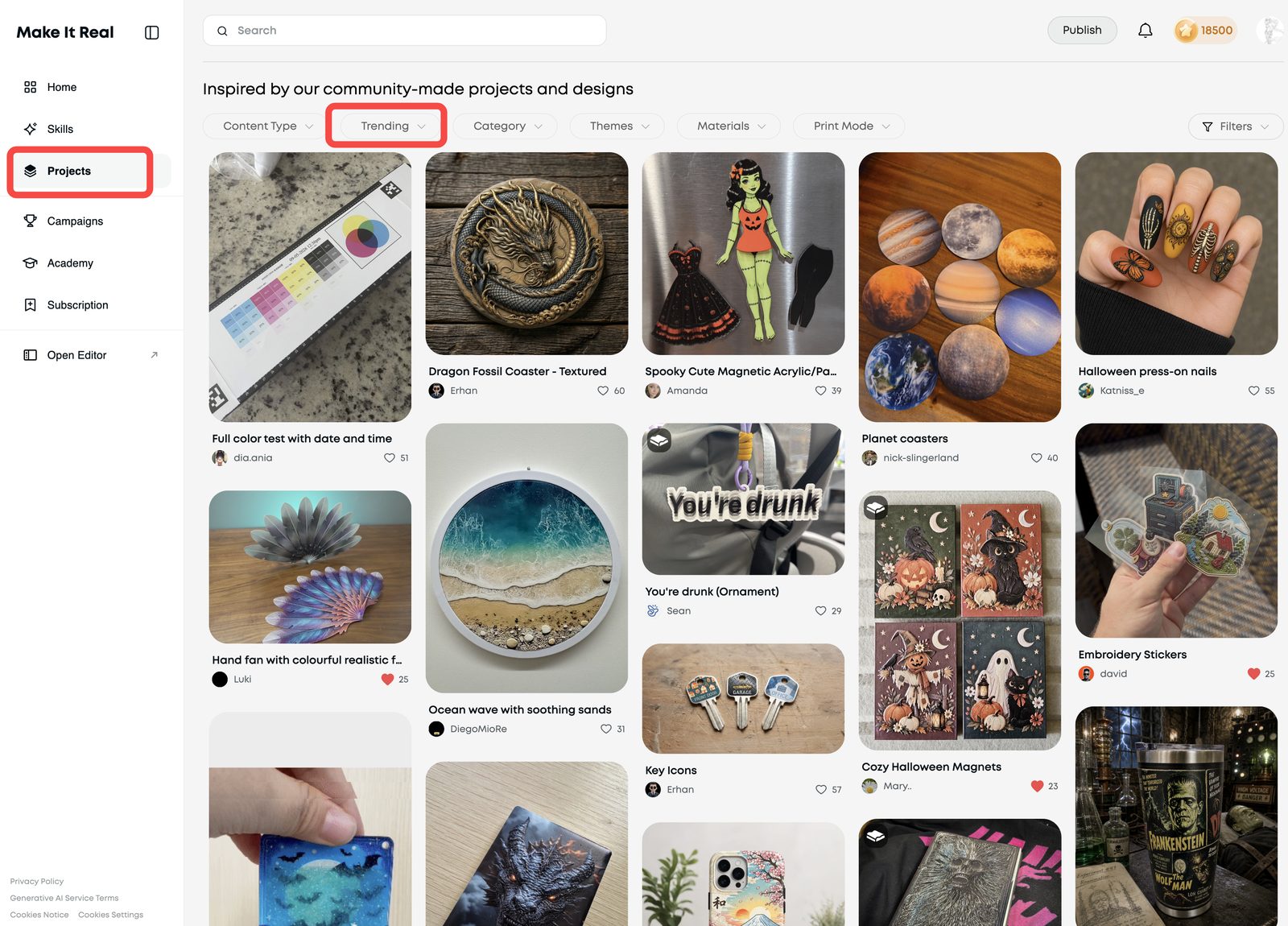
Take a look at Featured Projects and Trending Projects to get a feel for what other Creators are making and what resonates with the community.
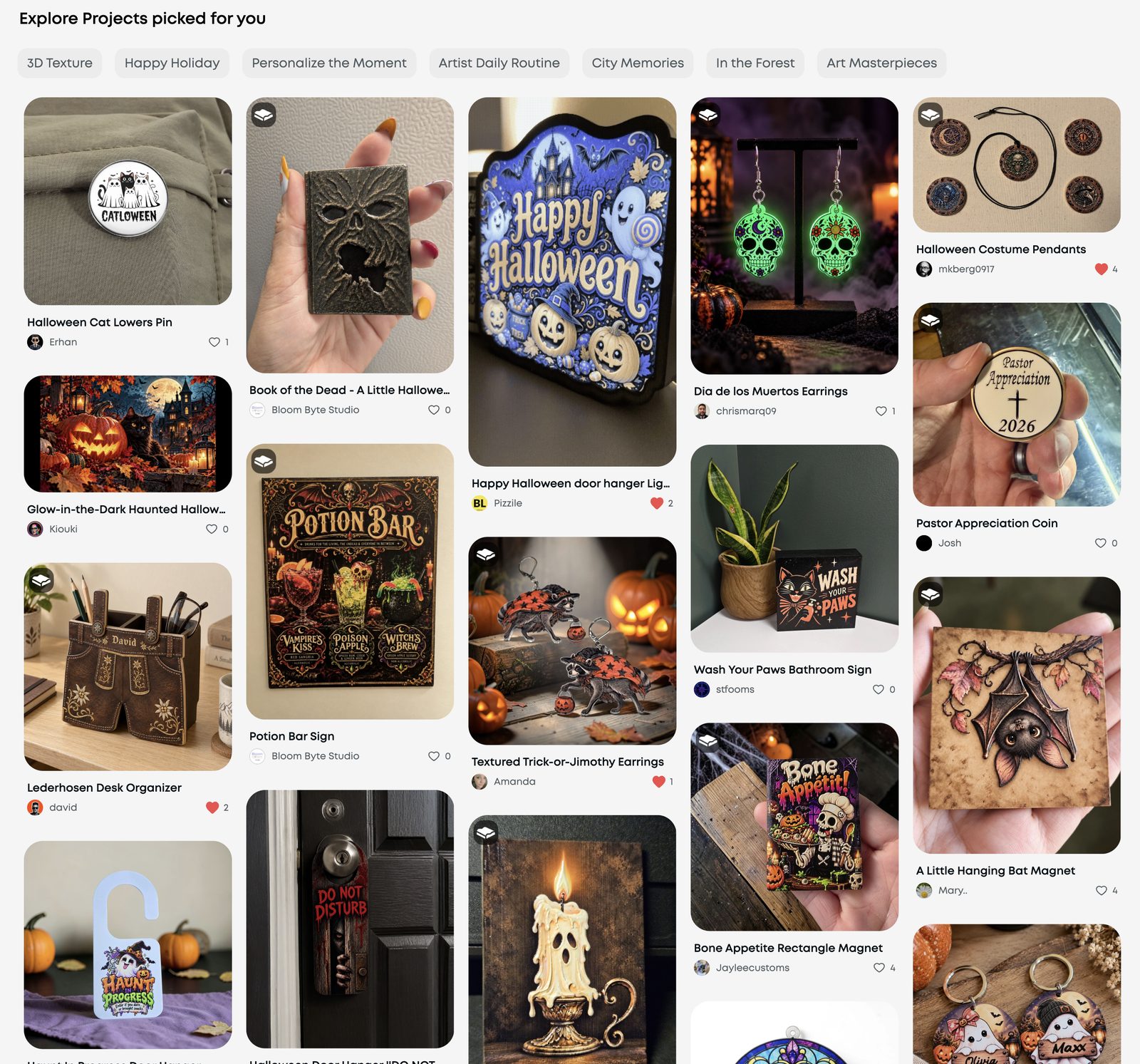
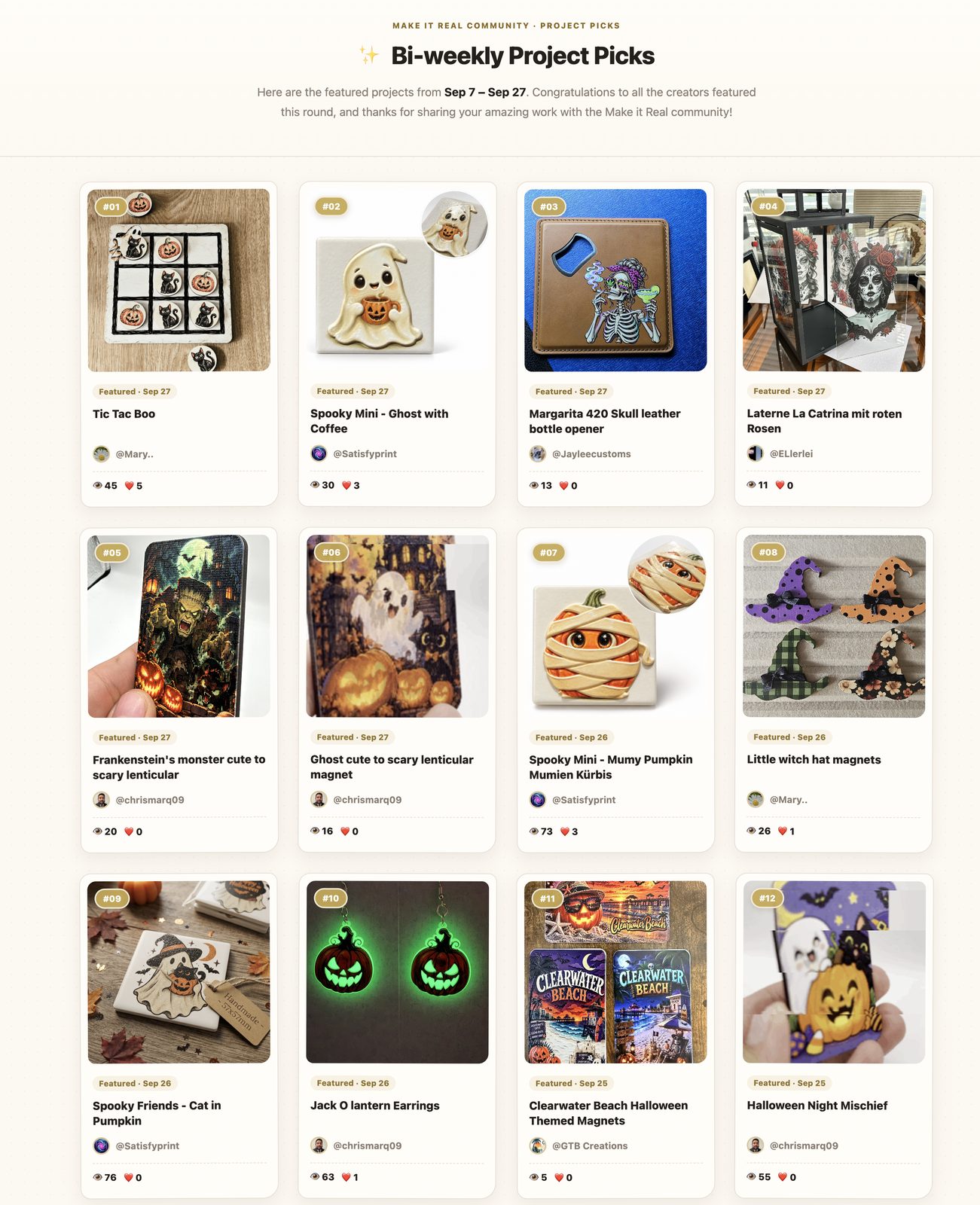
Featured projects picked for you, shown as a masonry gallery of community makes.
Featured: projects picked for you.
Projects page filtered by Trending, showing the community's most-liked recent makes.
Projects → Trending: see what resonates right now.

Make it count

Keep Creating

Great projects have the chance to be featured on the Make It Real homepage, shared on our social channels, included in our creator showcases and earn bonus points. They can also open doors to future collaborations with eufyMake.

Help others see what you made, how you made it, and what makes it special. Start with clear photos and useful details, then highlight your own ideas, techniques, or purpose.

Start with the Basics

Show it clearly

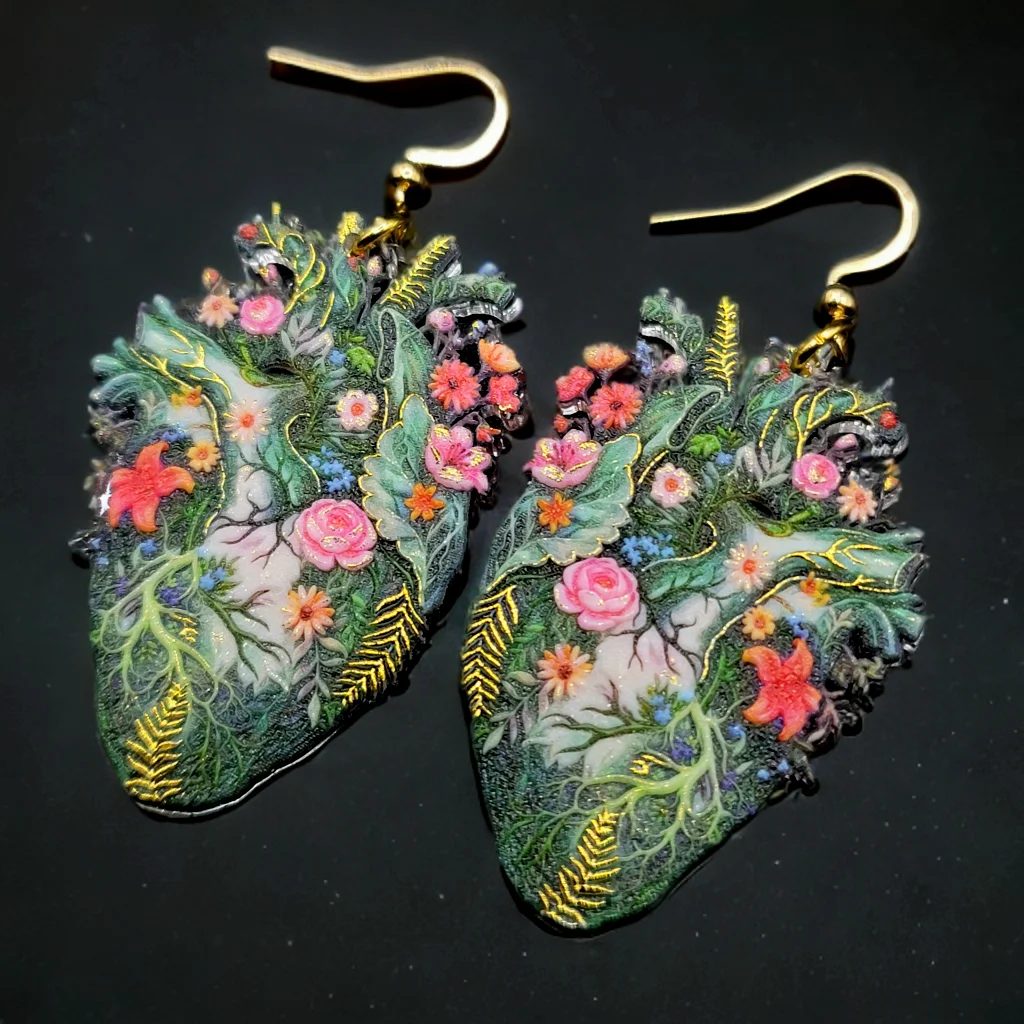
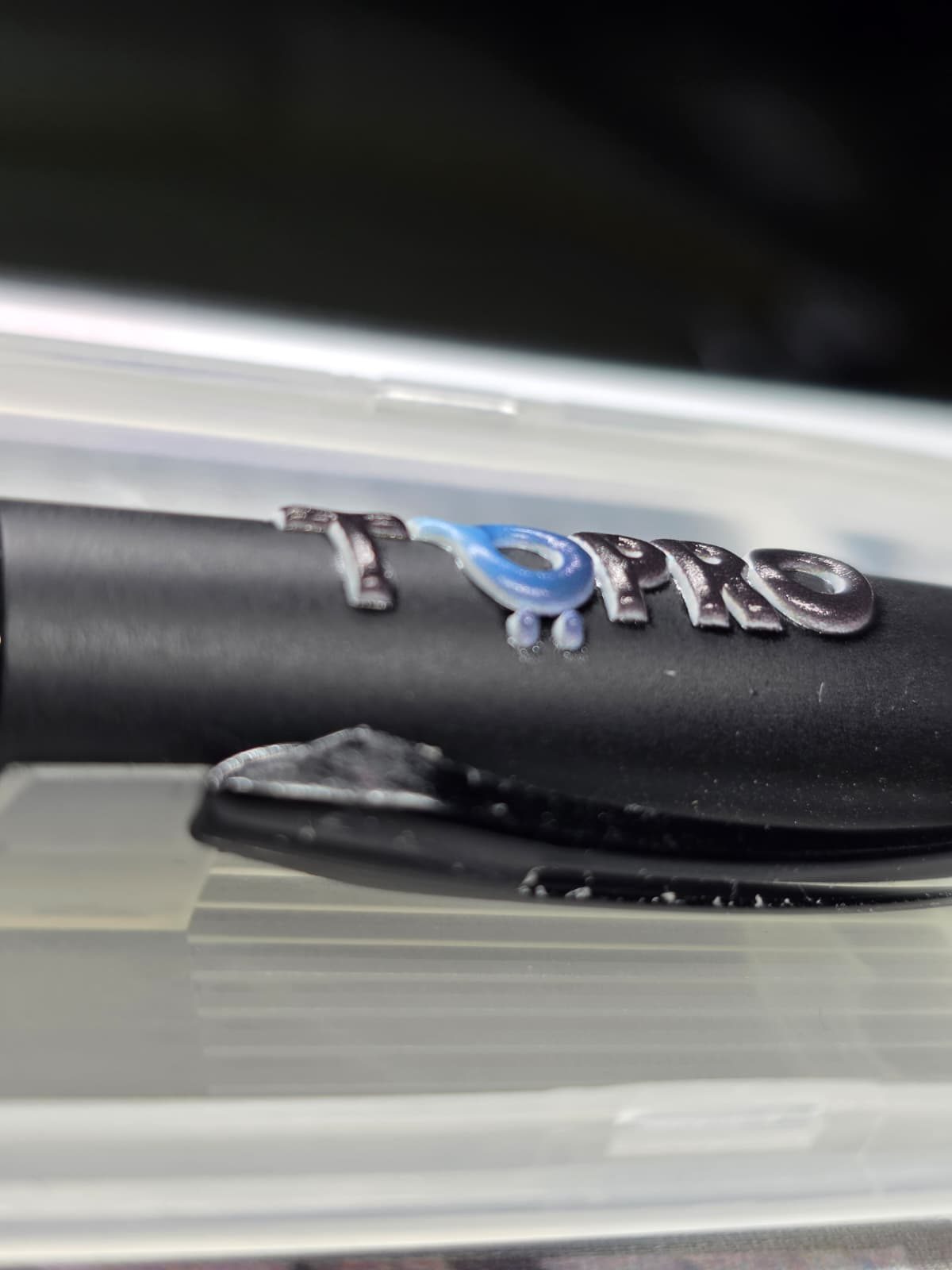
Use clear photos or videos that show the finished result well. A clean background or real-life setting can help people better understand the project.

Good case Earrings photographed on a clean dark background, fully in focus.
Bad case Blurry close-up photo of a pen with logo print.

Share how you made it

Give other makers enough context to understand your process. Depending on the project, this could include:

  • Any preparation before printing
  • Key print settings or techniques
  • Important steps in the process
  • Finishing or assembly
  • Tips, lessons learned, or things you would do differently

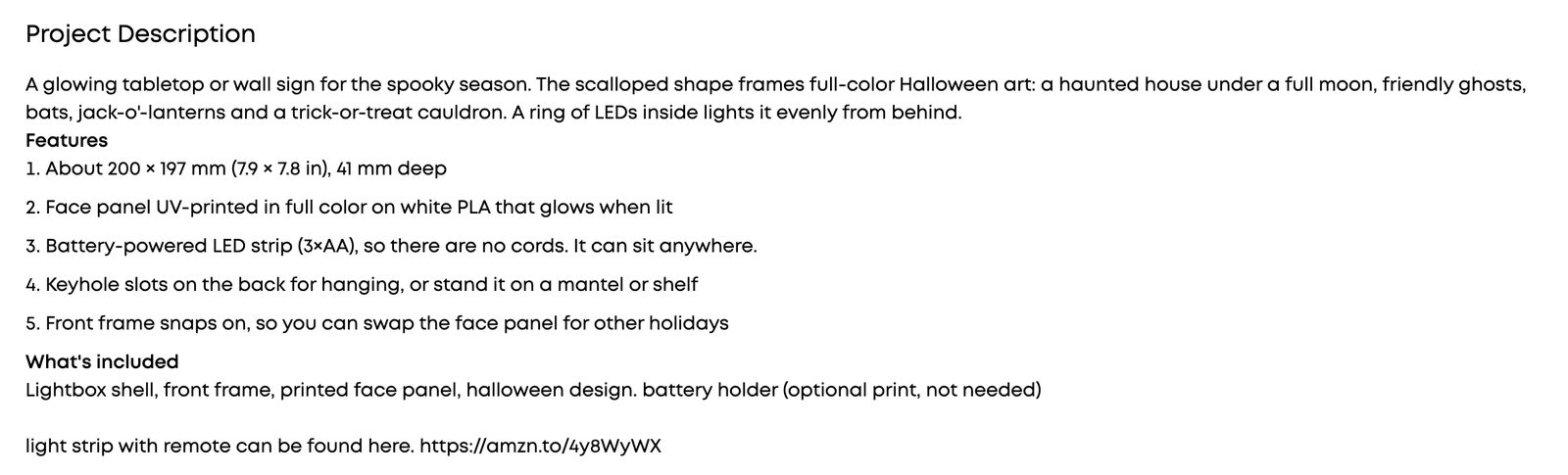
You don’t need to write a long tutorial. Clear visuals, the key steps, and a few useful details are enough.

Good case Example of a well-written project description: features, specs, what's included, and where to buy supplies.
A description that is clear and detailed — highlighting the specs of the project.
Bad case Example of a project description with only three words: cute cat sticker.
Three words leave other makers guessing — add a little context.

What Makes a Project Stand Out?

Great Creator projects usually have at least one strong highlight:

Creative Idea

Bring your own idea, style, or twist to the project.

It could be a clever customization, an unexpected use case, an interesting visual concept, or a design that feels distinctly yours.

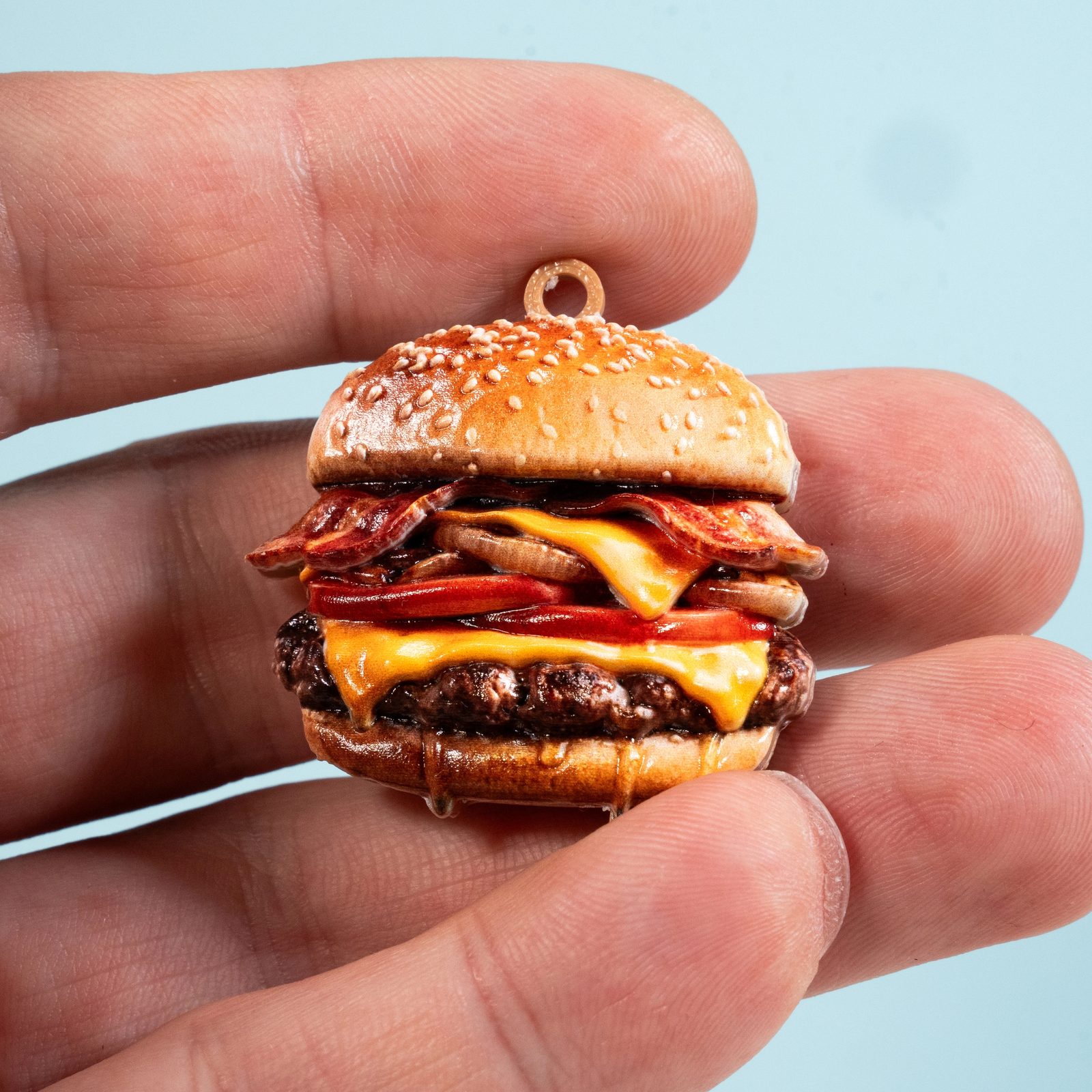
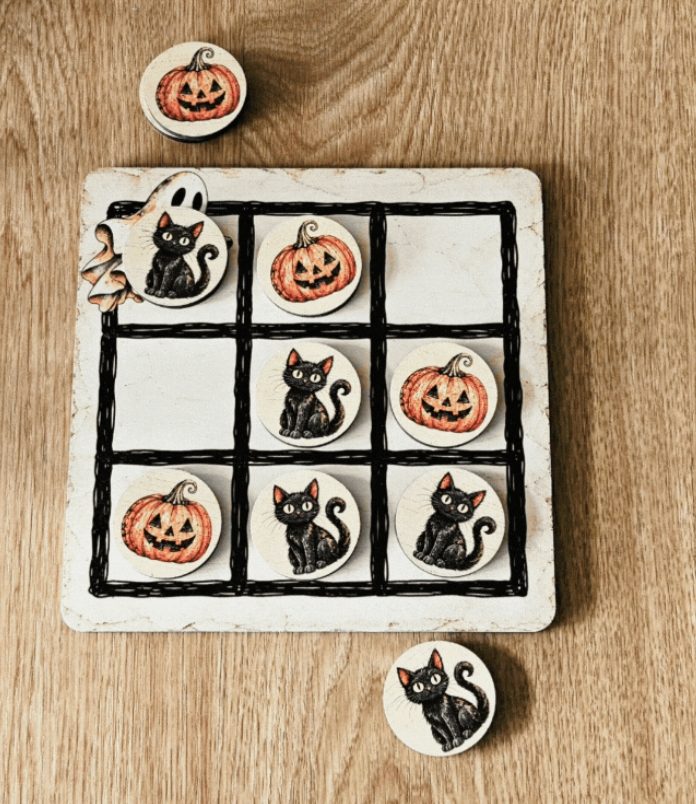
Miniature hamburger charm with realistic layered details. Halloween tic-tac-toe board with ghost, cat and pumpkin pieces.

Process & Craft

Show an interesting way of making something.

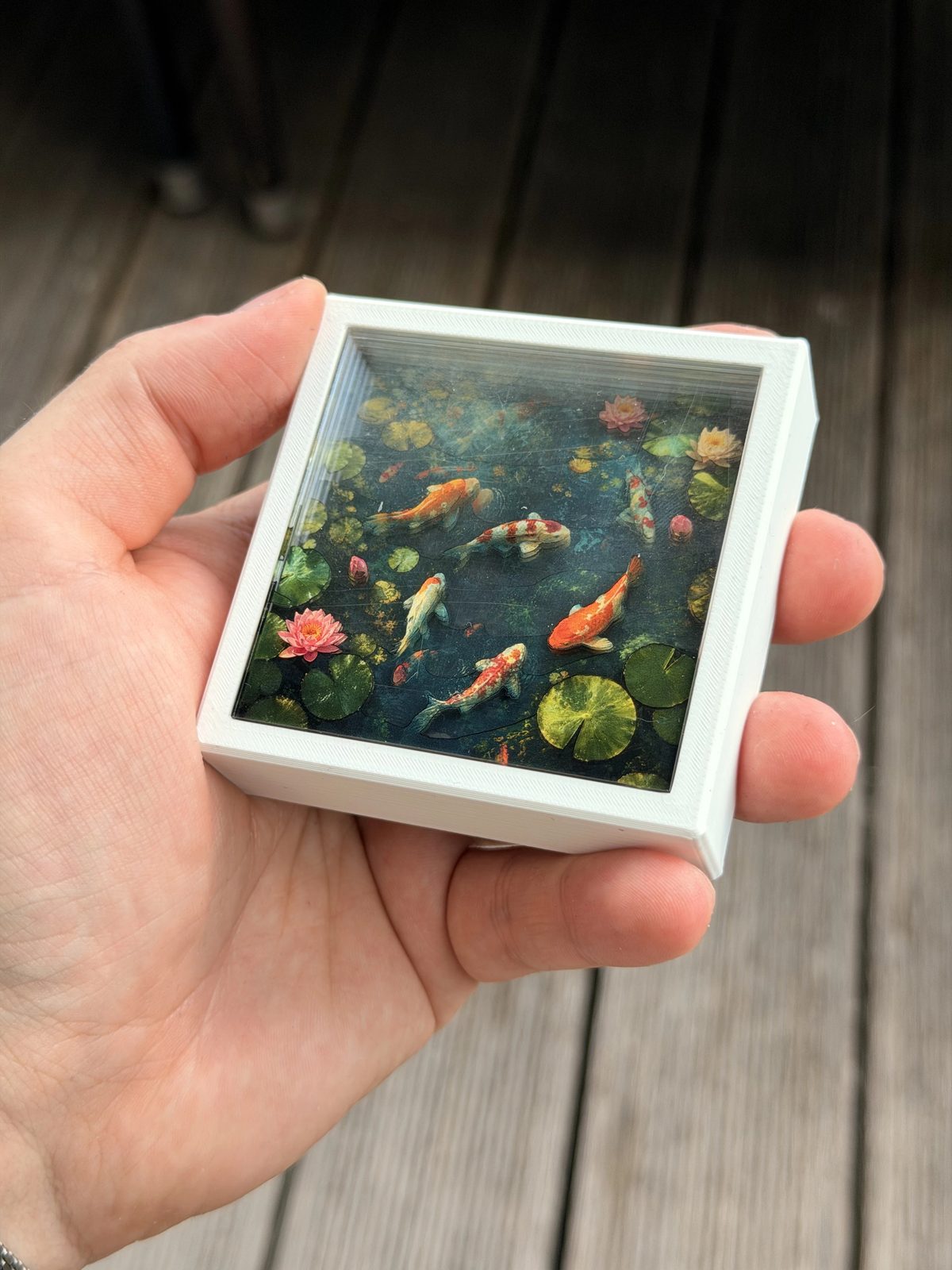
This could mean combining techniques such as UV printing + laser cutting / 3D printing, or simply pushing one technique further through texture, layered printing, precision, special materials, or a thoughtful production process.

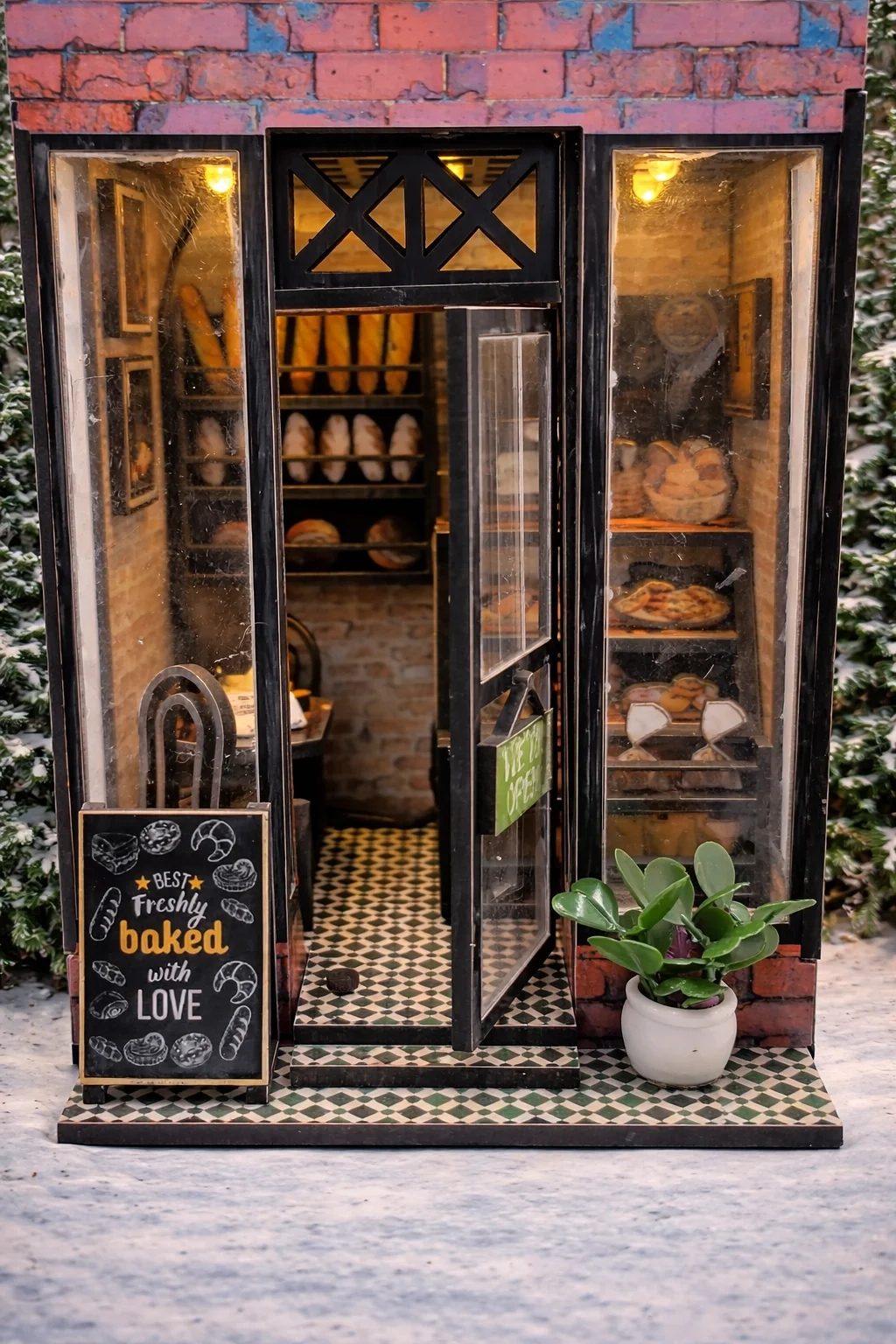
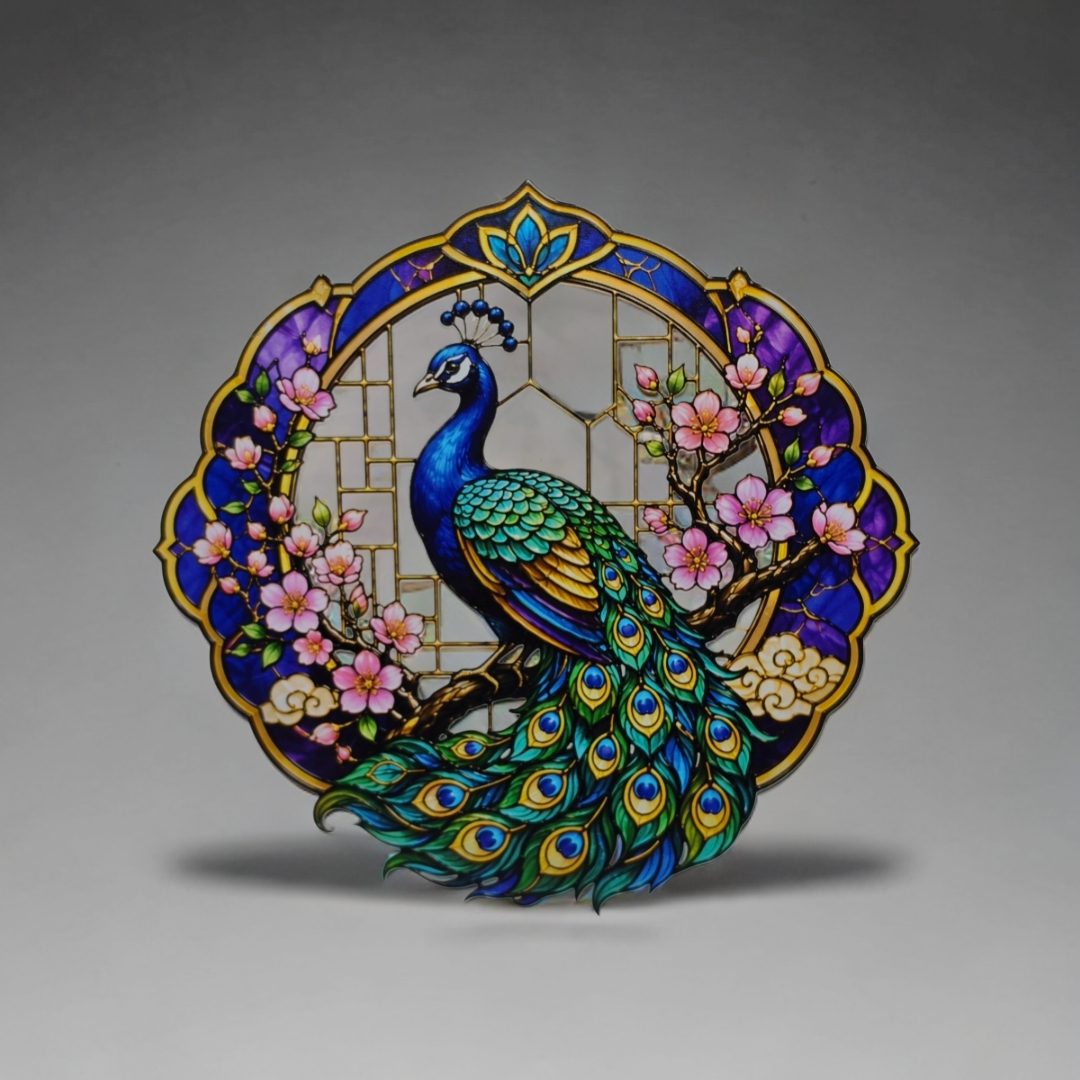
Miniature bakery storefront with detailed interior and lighting. Stained-glass style peacock ornament with vivid colors.

Real Value

Create something people can connect with or actually use. This could be:

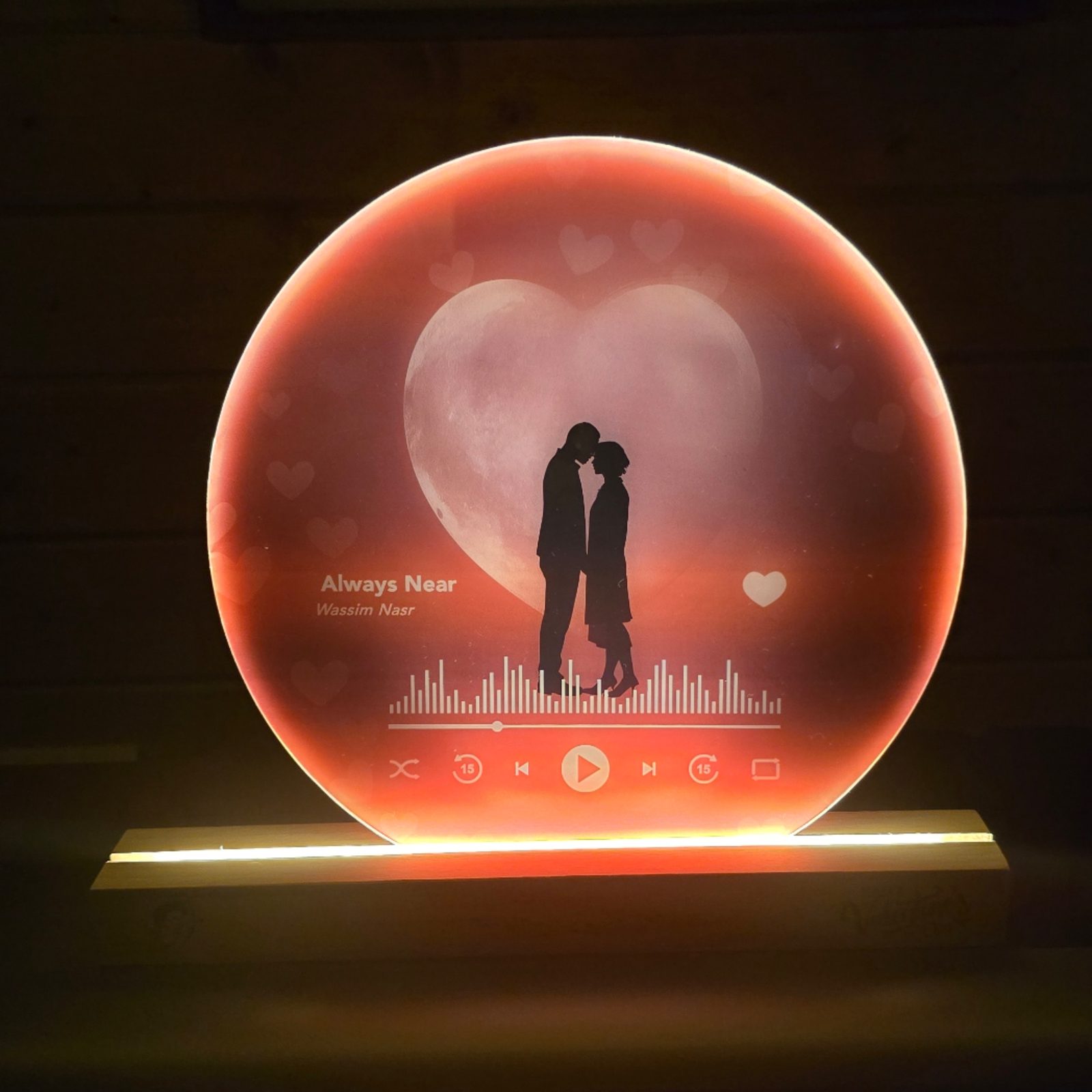
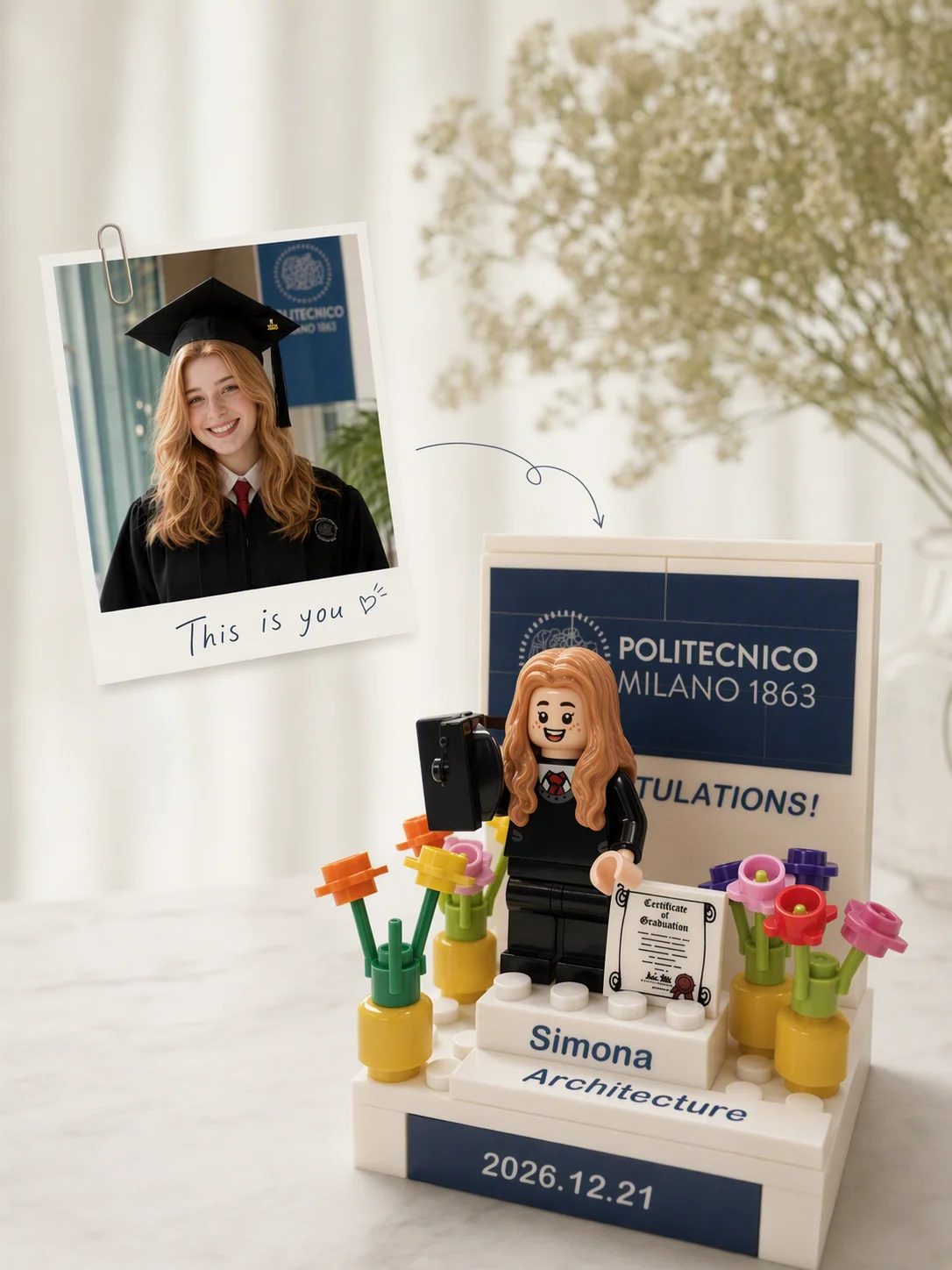
  • Emotional value — a personalized gift, keepsake, celebration, or meaningful story
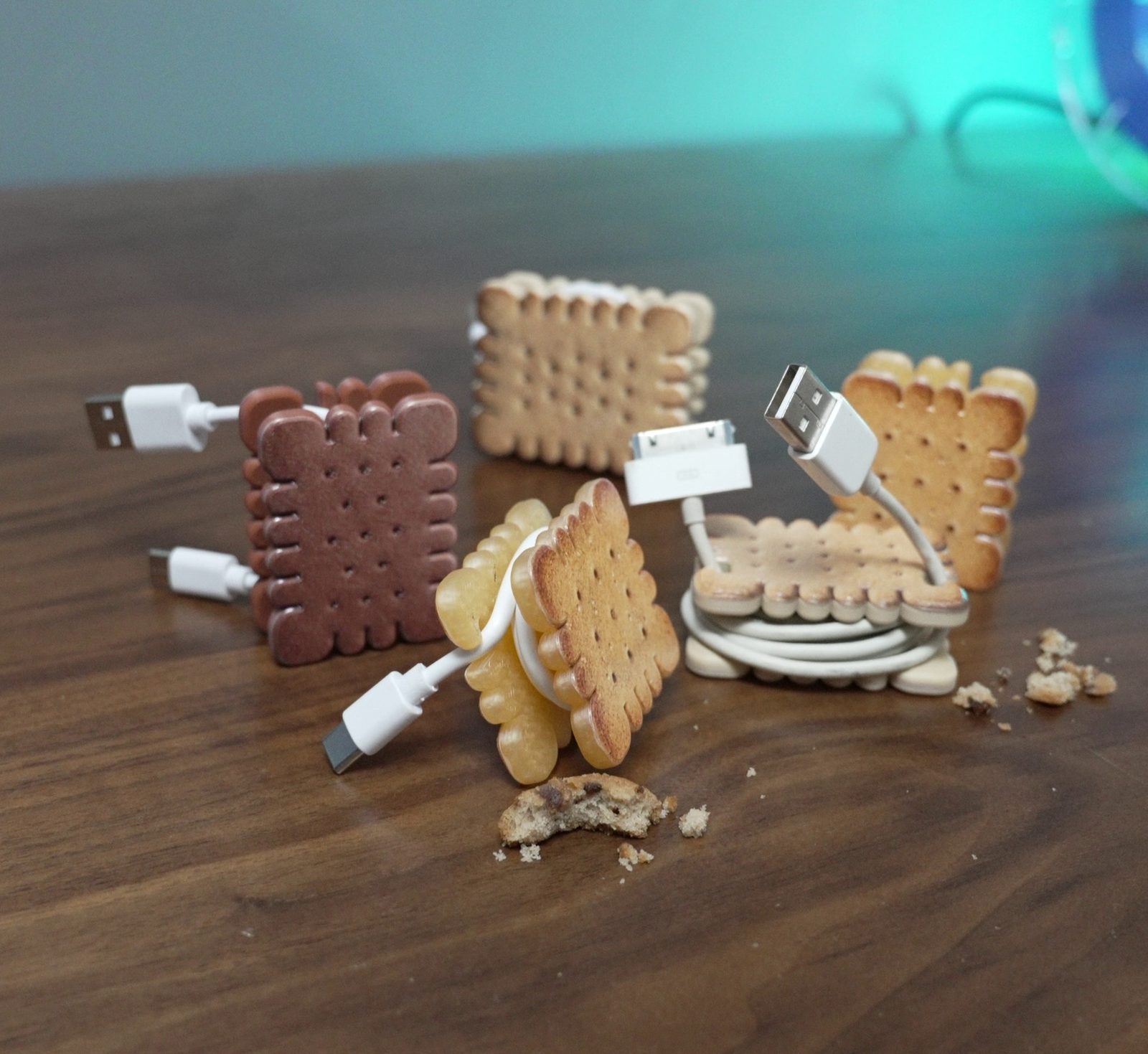
  • Practical value — a useful product, small-business item, display piece, reusable solution, or something that solves a real need
Backlit moon lamp with a couple silhouette and music player interface. Biscuit-shaped cable organizers holding USB cables.

Never run dry

Need Inspiration?

Not sure what to create next? You’ll regularly find new ideas and opportunities in the community, including:

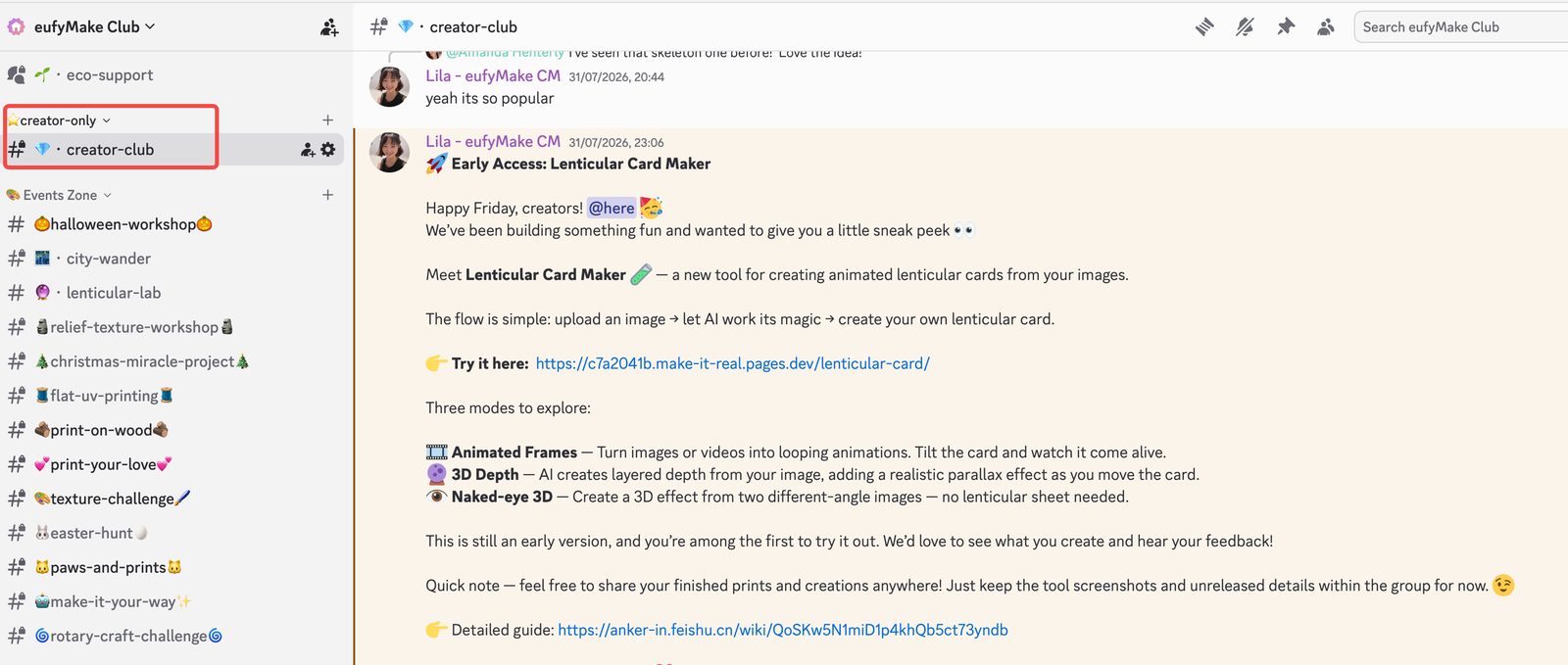
Creator Group chat where the community team shares an early-access tool announcement and creators reply.

Creator Group

Stay up to date with the latest creator updates, exchange ideas, and connect with fellow Creators.

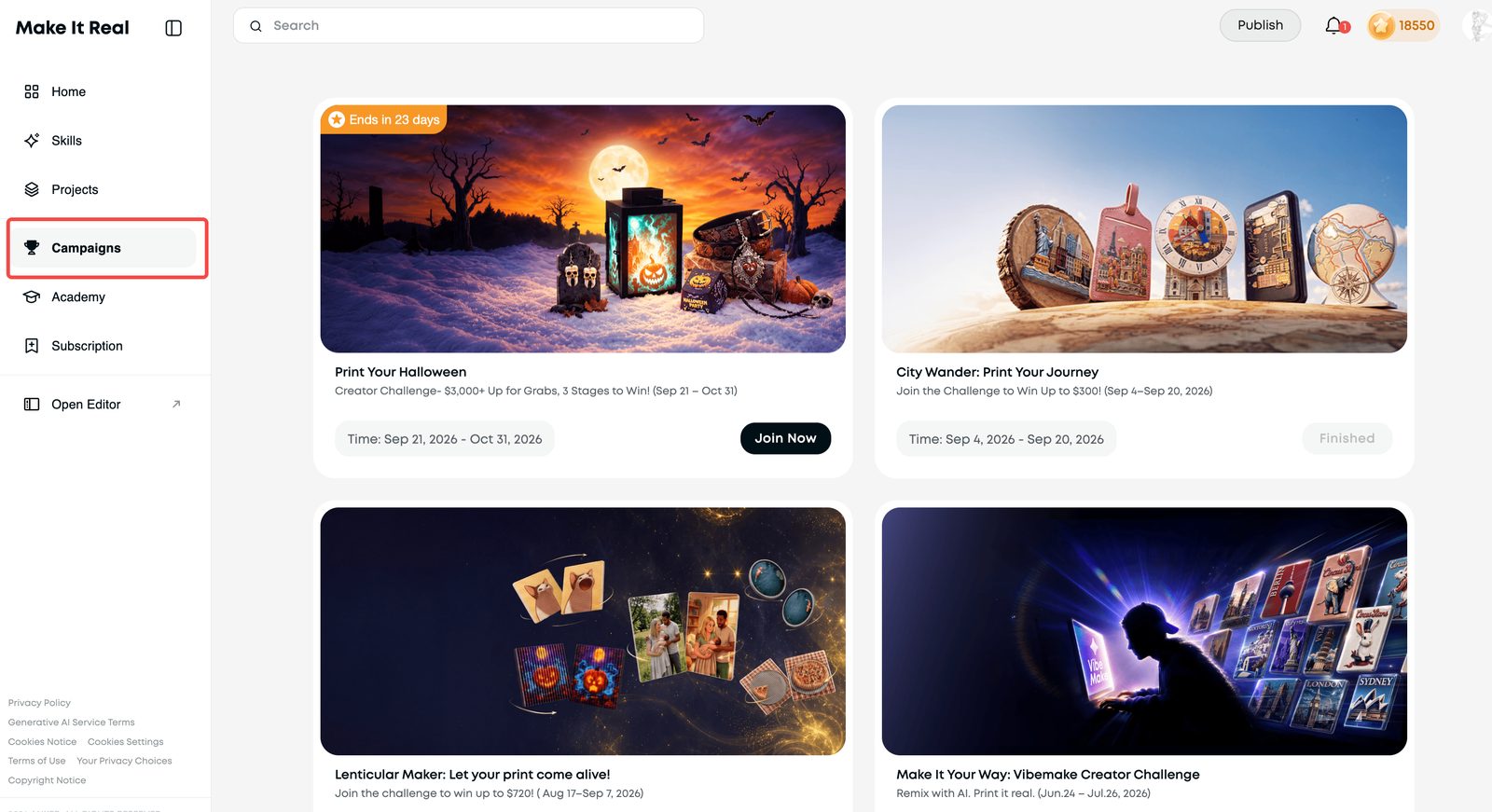
Campaigns page listing active and past creator challenges with join buttons.

Campaigns

Join Monthly Challenges, seasonal themes, or other community activities that interest you.

Try Something New

Explore new materials, techniques, features, and tools.

Feel free to use them as inspiration, join whatever interests you, or simply keep creating in your own style.

Beyond day 30

Grow with eufyMake

Your first 30 days are just the start.

As you continue creating and sharing with the community, you may get access to more opportunities based on your work, activity, interests, and strengths.

Official Exposure

Opportunities to be featured in the eufyMake community, Project Picks, or official social channel

Creator Rewards

Creator campaigns, challenges, and other incentive opportunities.

Earn Commission

Earn income from machine, materials, and product sales through your creator link.

Coming soon

Early Access

Opportunities to try selected new products, features, tools, and Beta programs.

Collaborations

Unlock eufyMake brand resources for more commercial opportunities.

There’s no single path every Creator needs to follow. Keep making what you enjoy, and we’ll help connect you with opportunities that fit your work along the way.

Need Help?

If you’re not sure what to post, would like feedback on a project, or run into any questions along the way, just reach out in the Creator group or contact Lila.

We're always happy to help and can't wait to see what you create! ✨